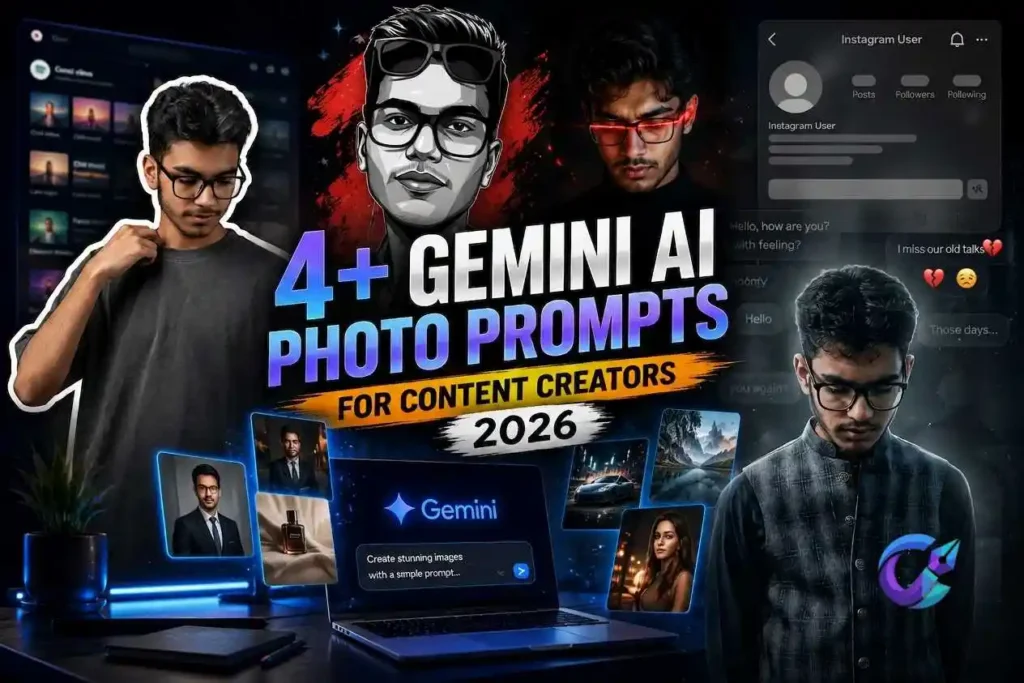

If you’ve been seeing realistic AI headshots, action figures, vintage yearbook photos, and cinematic portraits all over social media, chances are they were created with Gemini AI Photo Prompts. The secret isn’t just the model itself, it’s the prompt. Most of it follows the same model, named Nano Banana, and has taken to the internet without anyone realizing it has become one of the most convenient mini-listening tools for creators to create scroll-stopping visuals without interacting with Photoshop.
It’s not the tool that makes it tricky. It’s the knowledge of what you can type into it. Here’s a simple breakdown of how this feature works, some tips to help you distinguish from a flat photo to a great photo, and of course 4+ pre-made prompts tailored for content makers: headshots, thumbnails, aesthetic feed posts, product shots and some just for fun.
What Is Gemini AI Photo Prompts Feature?
In the “Gemini AI photo prompts” content, Nano Banana 2, namely Gemini 3.1 Flash Image is the protagonist. It was released by Google as a free update to Nano Banana that was launched in 2025 and went viral. It creates and edits photos based on a set of textual instructions, and it’s quite significantly improved from previous versions in three aspects all creators care about: keeping a person’s face consistent across edits, turning readable text within an image, and following a more detailed set of instructions (multi-part) that goes beyond a loose interpretation.
There is no separate app – it is integrated into the Gemini app, the AI mode of Google Search, Google Lens and the Google AI Studio.

How to Use It (Quick Setup)
Open up the Gemini app or go to google.com/gemini.
If you have an image that you want to edit, upload it, otherwise type in the description to create one from scratch.
Type in the “chat box” one of the following.
Look through the outcome, and respond with a re-directive if you desire to edit the item. When you write in Gemini it maintains the context of your previous edits, so you can improve them in the same conversation without having to re-enter the situation.
Before you get started there are 2 points to note: photo editing (e.g. upload & modify photo of oneself) is restricted for users of age 18 and over; and every image generated by Gemini includes an invisible Synth ID watermark, so that it remains identifiable as an AI-generated image even if it is resized or cropped.
How to Write Prompts That Actually Work
- It’s unlikely that any promising results stem from the model; they’re likely to result from the Prompt. Some of the regulars that seem to make a difference:
- Invert the setting, that is, place the subject first and the setting second. A list of these words would be appropriate: A woman stands in a crowded night market. If you do in the setting they tend to expend time setting the stage and then put the person in it.
- Prevent before you teach. If you are editing a picture of yourself or someone else, make it clear what parts will remain in the same place and what aspects will change, before making a change: “Leave a person’s face, hairdo, and complexion unchanged. Change the clothes to…” Sometimes, however, they will give you a completely different face in return and the model will switch faces.
- Be specific not only concerning what’s in the picture, but lighting and style too. It is possible to make two photos using the same word but with completely different results, such as the “good lights” mentioned above, “soft window light from left” and “studio light.
- It is important to enclose exact quotes in double quotation marks. If a word or phrase must be repeated in the image, such as a magazine title, a sign or a name, repeat it as a quotation. The quoted text is much more reliably rendered by Gemini than the unquoted text.
- Treat it like a conversation, and not like a vending machine! It’s not a matter of if your first try is your last. Have the teacher make minor modifications to the questions instead of making an entirely new set of questions.
4+ Gemini AI Photo Prompts for Content Creators
Use the photo service to upload a photo first, then type the prompt that you wish to input into the chat. Replace information in brackets with actual information desired.
Cinematic Music Playlist Collage Portrait
A digital collage style image. In the foreground, the uploaded person is cut out with a thick white sticker-like outline while preserving the exact facial features and identity. Dress him in a stylish plain oversized T-shirt with a modern casual look, looking slightly downward while naturally adjusting his collar or hair. The background is a heavily blurred dark-mode mobile music streaming app playlist with no readable text, letters, logos, or watermarks, clean minimal aesthetic, soft cinematic lighting, photorealistic, ultra-detailed, premium digital artwork, 8K.

Emotional Instagram Memories Edit

Use the uploaded image as the reference
Create a cinematic emotional social-media inspired portrait with a dark heartbreak aesthetic. Place the subject naturally near the lower center of the frame with subtle rim lighting and a soft atmospheric glow. Change the outfit into casual guy outfit.
The background should feature a blurred charcoal-black environment combined with an oversized transparent social media profile interface. Use generic interface elements only with no real logos or branding. Display placeholder profile details such as “Instagram User” while keeping everything minimal and elegant.
Include the headline:
“Moving into 2026 with your memories”
Place a subtle “…” underneath the title.
Add faded conversation overlays, floating dust particles, soft film grain, emotional bokeh lights, slight motion blur, moody cinematic lighting, gentle vignette, cool desaturated color grading, and high contrast.
Create a premium Instagram reel cover style with ultra-realistic photography, natural skin texture, editorial composition, HDR, photorealistic 4K.
High-Contrast Vector Portrait Illustration

Use the uploaded photo as the primary reference
Transform the portrait into a premium high-contrast vector illustration while keeping the subject immediately recognizable.
The artwork features grayscale tones with sharp geometric cell shading, deep black shadows, clean vector edges, and subtle skin detailing. Place stylish sunglasses naturally on top of the forehead without covering the eyes.
Retro Urban Magazine Poster Portrait
retro_urban style poster featuring a young reference with image artist in multiple pulses
He wears a black casual shirt and a cinematic black and white background embroidered on the back. multiple silver rings and bracelets and emphasis is flashy . The design is layered with close up portraits warm brown tones , bold typography reading [YOUR NAME] and modern magazine – style collage aesthetic representing

Golden Hour Cinematic Collage Portrait

create a picture cinematic. hyper-realistic portrait of a young man with curly hair and a trimmed beard, warm golden hour. lighting illuminating his face. The composition is a creative collage layout with multiple frames: one main close-up portrait, one detailed crop of lipstick one close-up of an eye, and another angled portrait. Soft shadows and warm amber tones dominate the scene. Decorative flowers lliliesl are placed artistically around the frames.
Getting Better Results When a Prompt Doesn’t Land
- If there is a difference too great, start the constraint that way: “CRITICAL: retain the identity of the face, hairstyle, and skin tone as in the uploaded photograph.
- If I didn’t hear or understand part of your prompt why not shorten it? Have brief questions and say one at a time, keeping the information piled up in subsequent messages; lengthy inquiries lose specifics.
- If lighting is low contrast, describe it specifically, as much as you can (“soft window light from left”) rather than using a generic term such as ‘nice lighting.
- Use spatial language to identify these in a concrete manner: “in the background,” “behind the subject,” “to the left of the frame” etc. if a background element looks amiss
FAQs
Which feature in this app does Gemini's AI generate photo prompts for?
The present model is Nano Banana 2 officially Gemini 3.1 Flash Image which came into the market in February 2026. The original version of 2025 was a big success and since then, it has gone by the nickname of “Nano Banana” in addition to its formal name on Google.
Is there a cost for using Gemini's AI photo generation?
Yes. Nano Banana 2 works on the free version of the Gemini app and in its AI version when used on Google Search and is available as a higher version called Nano Banana Pro, but only for paying members of Gemini to use.
Do you have to be a certain age to attend?
New AI images are available for all ages, while uploading and altering a true photo is at the moment restricted to customers 18 years of age and older.
Is there a way to know the image is edited for the words/phrases after?
Every image Gemini creates has a hidden Synth ID watermark, that’s why you can tell an image is created by AI, even if it's cropped, shrunk or they share it.
What is the difference between Nano Banana 2 and Nano Banana pro?
Nano Banana 2 is the most universal and fast free software to choose for the overall audience. More demanding endeavours such as text layout, consistent brand styling, and fine detail equitably make its way to the top with Nano Banana Pro.


Excellent guide! The prompts are creative, detailed, and easy to copy and customize. I especially liked the practical tips on writing better prompts and improving image quality through follow-up edits. Thanks for sharing such a valuable resource for AI creators!